The AI Art Gallery: A Guide to AI Image Generation
From text to pixels: How to turn your ideas into images (and how to do it responsibly).
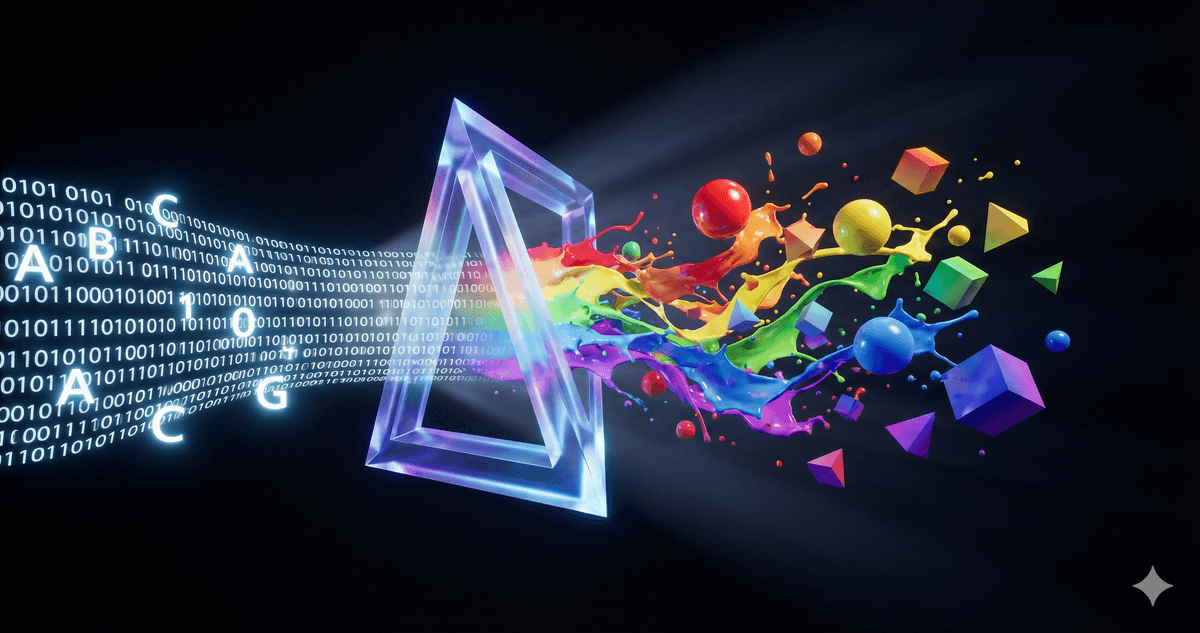
The AI Art Gallery: A Guide to AI Image Generation
Type: "A hamster wearing a tiny suit of armor." Hit Enter. Wait 10 seconds.
Suddenly, there he is. Sir Squeaks-a-Lot, ready for battle.
This is the "magic trick" that got most of us interested in AI image generation in the first place. Transforming a random thought into a high-resolution image feels like wizardry. But like all magic, understanding how the trick works makes you better at performing it—and keeps you from getting into trouble.
How the Magic Works (Diffusion)
We won't get too technical, but here is the 10-second version: The AI doesn't "know" what a hamster is.
It has seen millions of images tagged "hamster" and millions tagged "armor." It knows the statistical probability of which colored pixels usually go next to each other to creates those shapes.
It starts with a screen of static (random noise) and slowly "hallucinates" the image out of the fog, guided by your words.
The Best AI Image Generation Tools
You don't need a supercomputer. You just need a browser.
- Midjourney: The artist's choice. Used to be Discord-only, now has a sleek web app. Produces the most stunning, painterly results.
- DALL-E 4 (inside ChatGPT): The easy button. Great for following complex instructions, but sometimes looks a bit "cartoonish."
- Gemini (Google): The speed demon. Good for photorealism and quick mockups.
Quick Decision Guide: Which Tool?
| Goal | Best Tool | Why? |
|---|---|---|
| Artistic / Painterly Style | Midjourney | Highest quality, most "artistic" texture. |
| Photorealism | Midjourney or Gemini | Best lighting and skin textures. |
| Complex Instruction Following | DALL-E 3 (ChatGPT) | Understands long, specific prompts best. |
| Text Inside Image (e.g. signs) | DALL-E 3 or Ideogram | Actually spells words correctly (mostly). |
| Quick Mockups / Logos | Gemini | Fast and simple. |
| Editing an existing image | Adobe Firefly | Can change just one part (Generative Fill). |
The 4 Pillars of a Perfect Prompt
Most people type "A cat" and get disappointed when the result looks like a clip-art sticker.
To get "Utility" out of these tools, you need to stop acting like a search engine user and start acting like a Director. Every good prompt needs four specific ingredients.
1. The Subject (What)
Be specific. Don't say "a dog." Say "A golden retriever puppy with floppy ears."
2. The Medium (How)
This is the most important one. What is this image?
- Is it a photo? ("Shot on 35mm film, realistic, 4k")
- Is it art? ("Oil painting, thick brushstrokes, impressionist")
- Is it 3D? ("Unreal Engine 5 render, low poly, plastic texture")
3. The Environment (Where)
If you don't pick a background, the AI will pick a boring white void.
- "In a cluttered cyber-cafe"
- "On a misty beach at sunrise"
- "In a white marble museum"
4. The Lighting (Mood)
Lighting changes the emotion.
- "Cinematic lighting" (Dramatic)
- "Soft golden hour sunlight" (Warm/Happy)
- "Neon cyberpunk glow" (Edgy)
The Secret Weapon: Aspect Ratio
By default, AI makes squares (1:1). Squares are fine, but they scream "I just learned this."
To fix this, just ask yourself: "Where will this image live?"
| Goal | The Shape | The Code |
|---|---|---|
| Presentations / YouTube | Wide Rectangle | --ar 16:9 |
| TikTok / Phone Wallpaper | Tall Rectangle | --ar 9:16 |
| Portraits / Headshots | Taller Square | --ar 4:5 |
(Note: In Midjourney, add the code to the end. In ChatGPT/Gemini, you can just say "Make it wide" or "Make it tall.")
The Grey Area: Ethics & Responsible Use
We need to address the elephant in the room. Or rather, the elephant generated in the room.
These models were trained on billions of images scraped from the internet. Many of those images were copyrighted work from human artists who didn't get paid and didn't opt in.
This has created a massive legal and ethical debate that is still unresolved.
- The Pro-AI View: "It's just learning, like a human student studying Picasso to learn cubism."
- The Artist's View: "It's automated theft at a massive scale."
Our Take? Be Responsible.
This technology is incredible for personal use, storyboarding, prototyping, and having fun. But be very careful about:
- Impersonation: Don't use "in the style of [Living Artist Name]." It's murky territory. Describe the style ("watercolor, moody, dark lines") instead of using their name.
- Ownership: Currently, you cannot copyright AI-generated art in the US. If you generate it, you don't legally "own" it.
- Honesty: Don't pass it off as human-made. If you used AI, say so.
Try It Yourself: The "Level Up" Challenge
Open your AI tool of choice. We are going to generate the same image three times to see how "The Director's Mindset" changes everything.
Level 1 (The Searcher):
"A astronaut on mars." (Result: Boring, generic, looks like a science textbook.)
Level 2 (The Describer):
"A lonely astronaut sitting on a rock on mars looking at the earth." (Result: Better composition, but still looks like a cartoon.)
Level 3 (The Director):
"A lonely astronaut sitting on a red rock on Mars. Medium: Cinematic movie still, shot on IMAX, grainy film texture. Lighting: Harsh sunlight from the side, long dark shadows. Background: Earth is a tiny blue dot in the black sky. Format: Wide screen."
Compare Level 1 to Level 3. That is the difference between asking for a picture and creating art.
Want to keep learning?
Get our free AI Starter Kit — 5 lessons delivered to your inbox.
Join readers learning AI in plain English. No spam, ever.